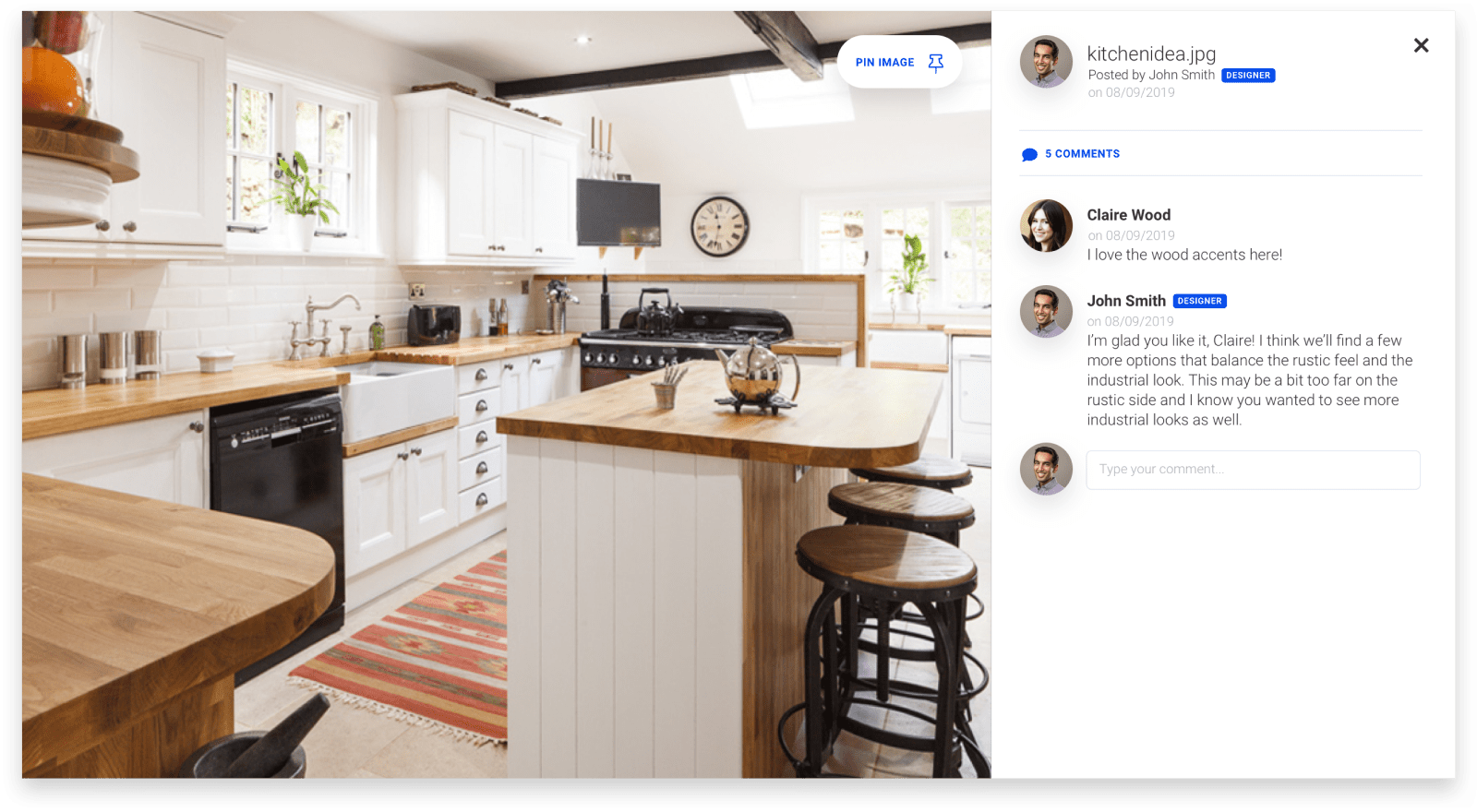
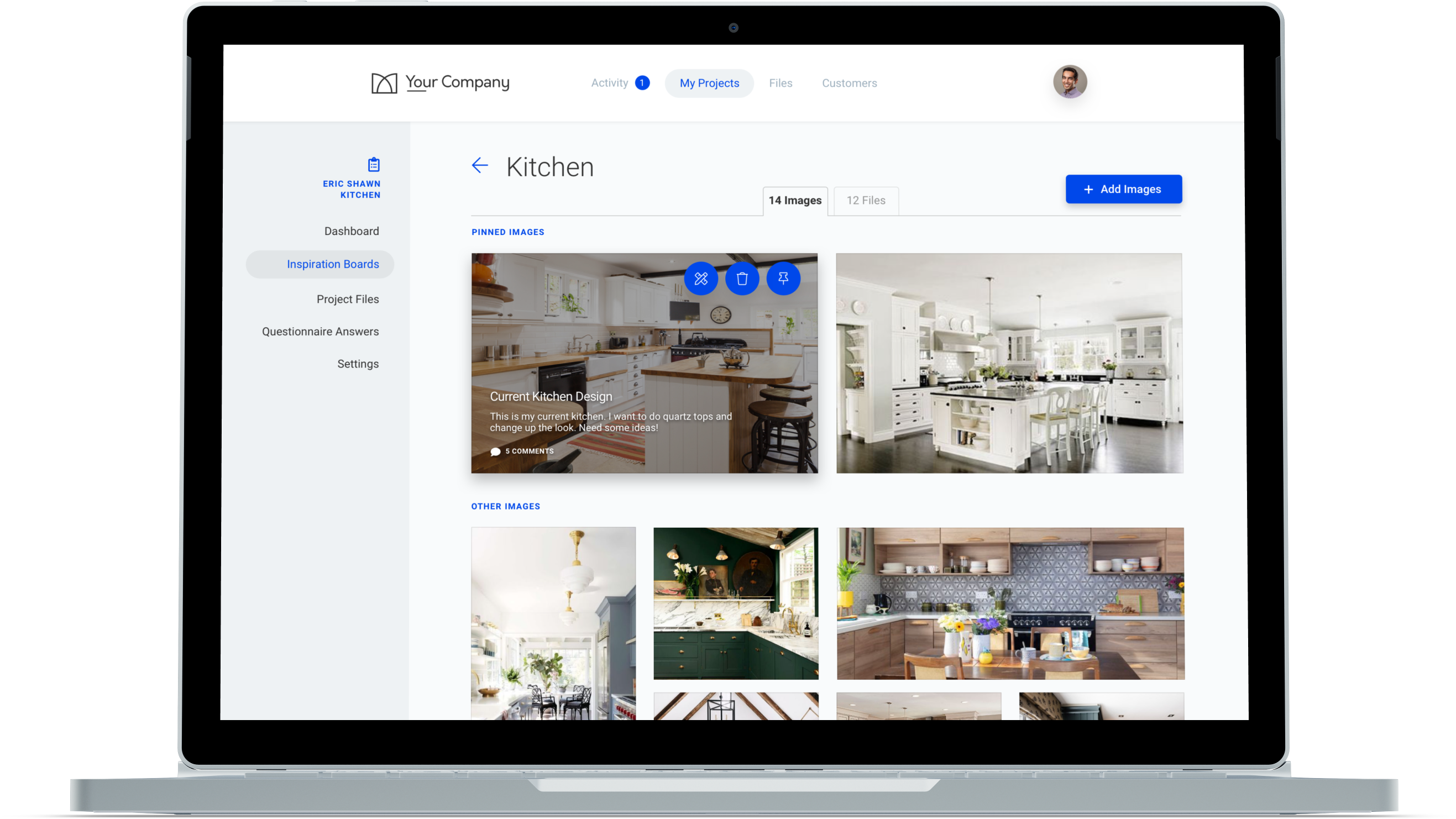
Every detail of the job in one place. Built in a working cabinet shop.

Photos, notes, sketches, plans, change orders and tasks all live in one project your whole team can see. So a change made on site reaches the shop before the cabinet gets built.
VizSwap Bootcamp · 21 video lessons
Taught by Steve Smith
Lifetime Course Access

VizSwap Features in 60 Seconds

Projects, client questionnaires, selection boards, tasks and stages, and every change tracked, all in one place.
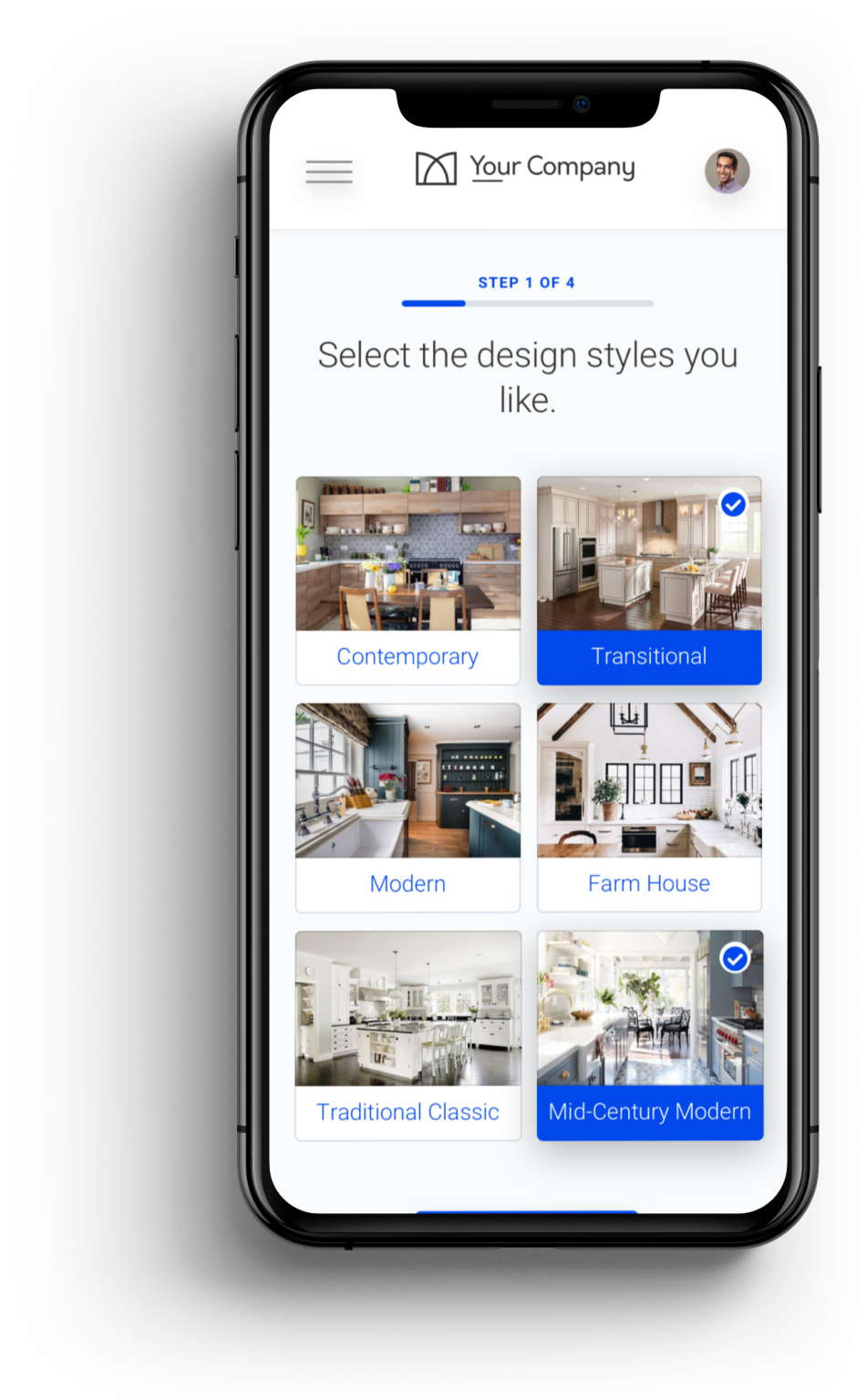
Know what the client wants before you draw
A short questionnaire gets their style, priorities and budget in writing before the first meeting.
Learn About Questionnaires
Keep every decision from the meeting
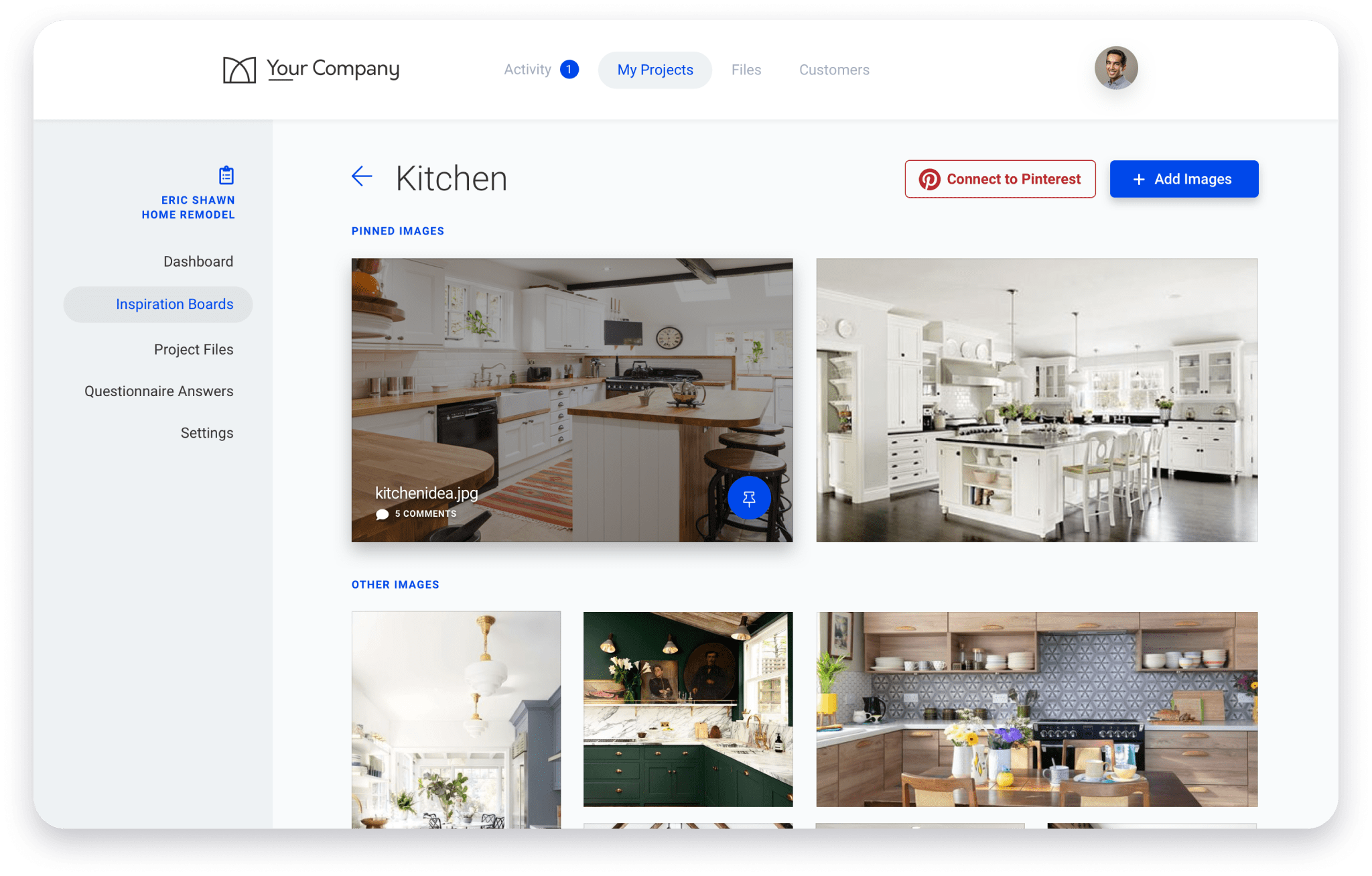
Photos, notes, sketches and what the client picked, together on one board for the project.
Learn About Boards
See who changed what, and when
Every change is saved in order, so there's a record when someone says "that's not what I asked for."
Learn About Timeline
Give every detail an owner
Turn a decision into a task for your designer, your shop or your installer, so nothing gets missed.
Learn About Tasks

Start every job knowing what they want

Your own questionnaires get the details you need to plan and price the job before anyone picks up a tape measure.

Get the designer, the shop and the installer on the same page

Pin photos, sketches and notes to a board everyone on the project can see.

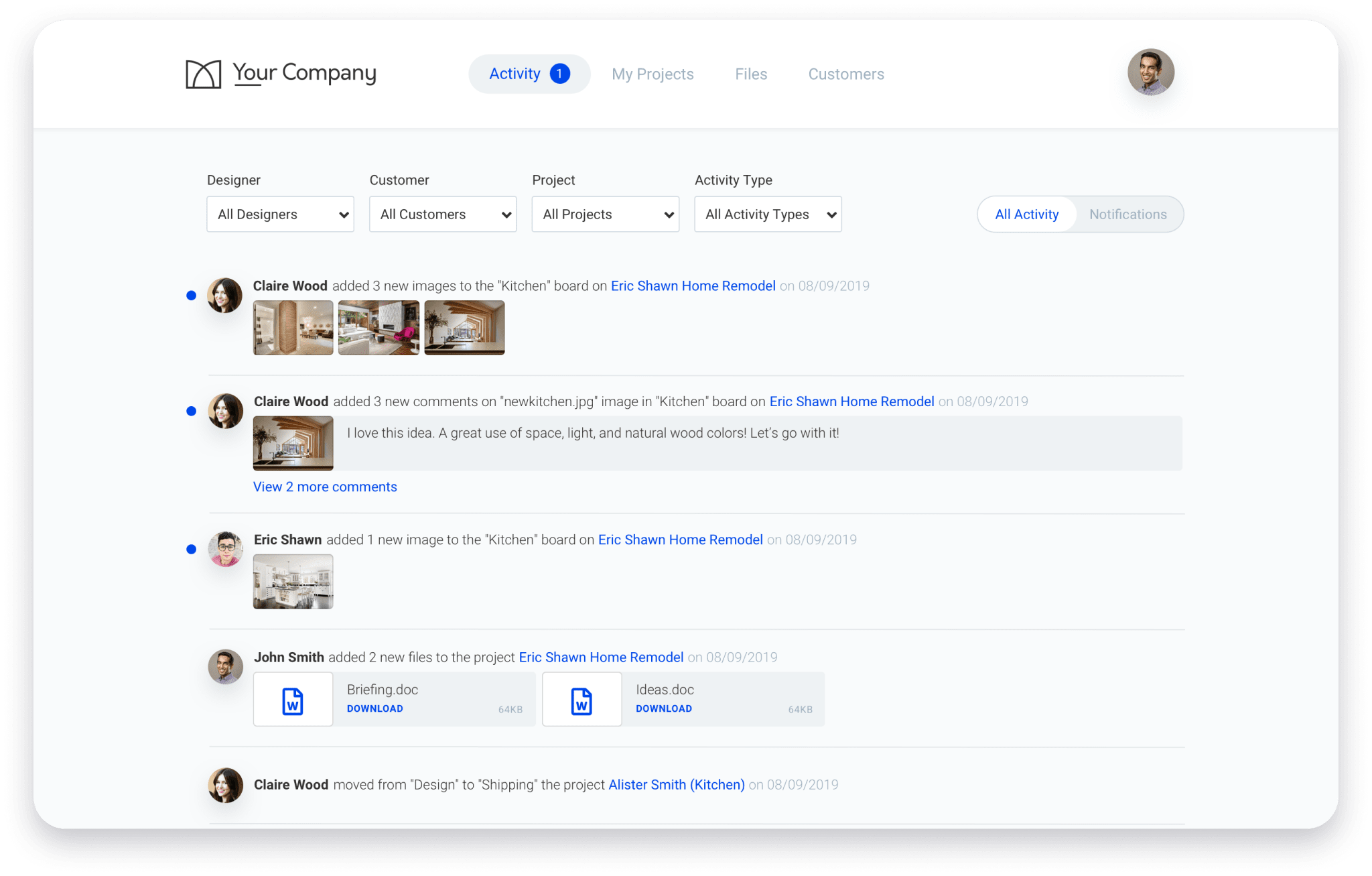
Know where every job stands

One feed shows what changed on each project, so you're not chasing texts to find out.

More great features to power your cabinet business

File Navigator

Keep all your important project files in one place. No more moving between multiple storage solutions.
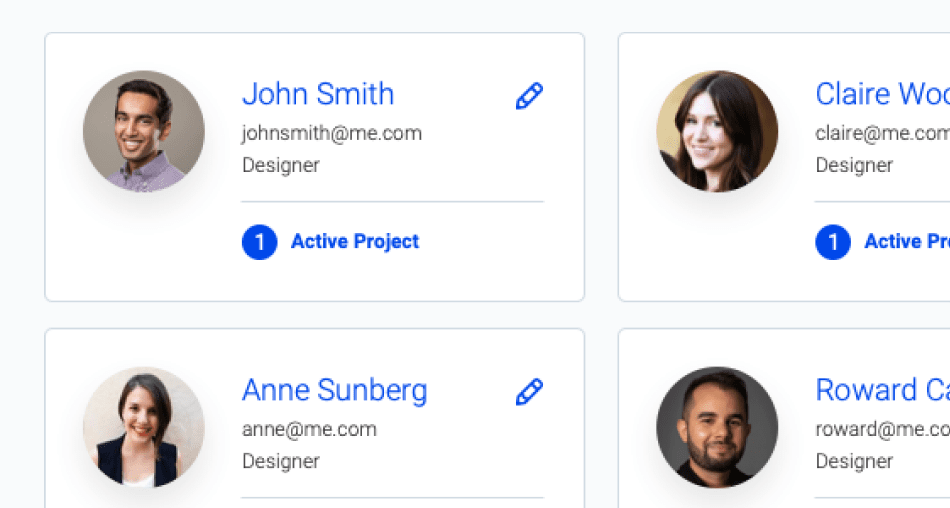
Team Management

Add your team and give them permissions to collaborate with your customers and with each other.
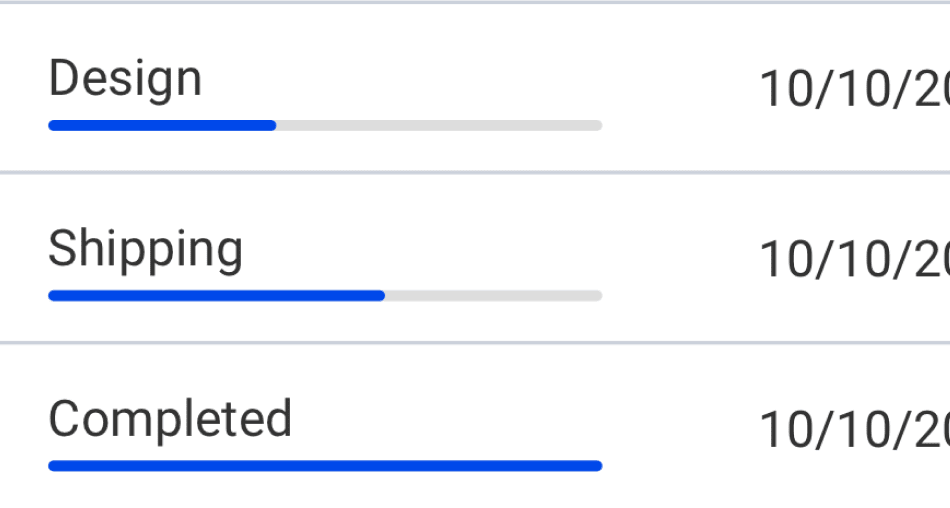
Project Stages

Keep track of which projects are on track and which need attention with project stages.
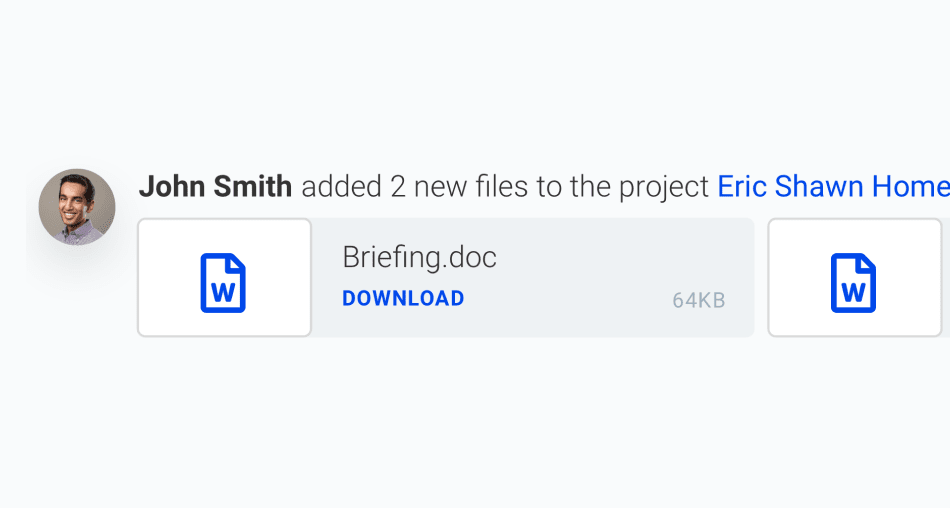
Document Sharing

Share documents with customers and team members. Send comments and track notifications to ensure everyone is always on the same page.
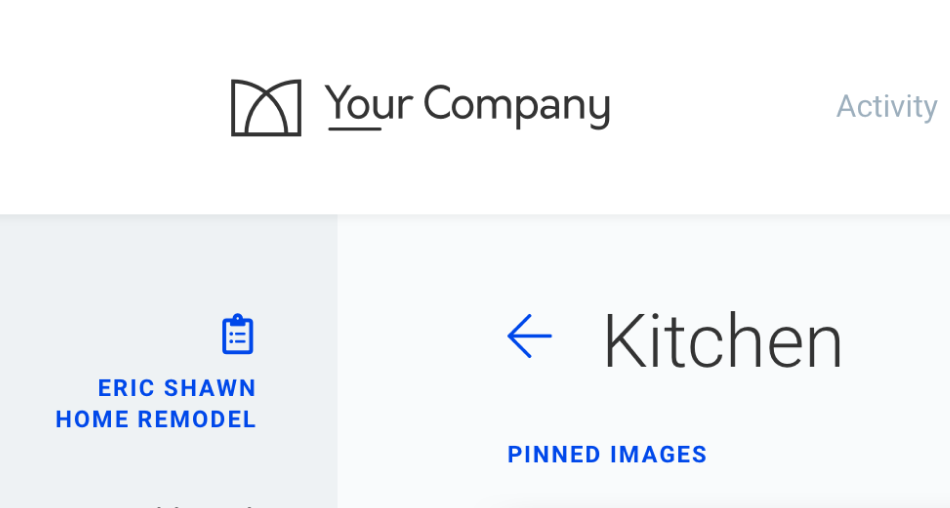
Custom Branding

Add your logo and colors to customize your VizSwap experience for you and your customers.

Pinterest Integration

Intergrate Pinterest boards along with many other tools inside of VizSwap's software.

Shop cost calculator

What disorganized jobs really cost your shop each year

Chasing photos, texts and measurements, then redoing work when the info was wrong. Put in your numbers and see it in dollars. It takes about a minute.

Calculate my cost

Learn it from a shop owner who runs it every day

Start with the VizSwap Bootcamp: learn to run every project in VizSwap, with 25% off the software for your first 12 months.
The VizSwap Bootcamp
7 modules · 21 video lessons
VizSwap Bootcamp

See it live first

Steve walks through the Bootcamp and pricing on the free live training.

✓
21 video lessons in 7 modules
✓
Taught by Steve Smith of Provision Kitchen & Bath
✓
25% off VizSwap software for 12 months
Save my free spot

See it on a real cabinet shop's jobs, live

Steve Smith, owner of Provision Kitchen & Bath, shows how his shop runs every job in VizSwap.

Free live training

Every Thursday, 2:00 PM ET

Live online and free to attend. Bring your questions.
✓
How Steve's shop runs every job in VizSwap
✓
A walk-through of the Bootcamp and pricing
✓
Live Q&A at the end
SS
Hosted by Steve Smith
Owner, Provision Kitchen & Bath